Why Should You Use Revision Control in WordPress?
Clean Database without Storing Endless Revisions
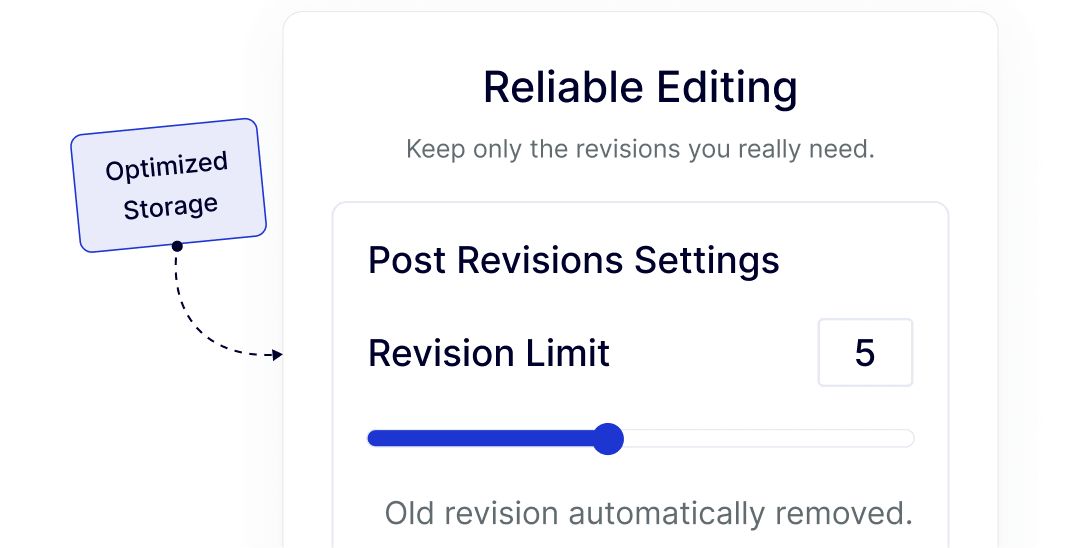
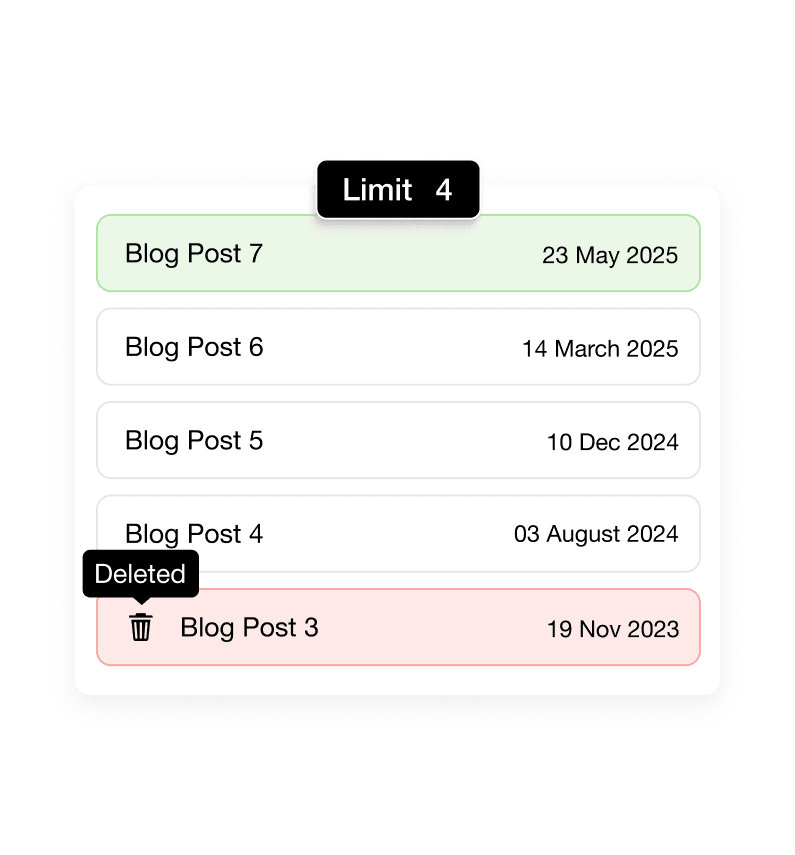
WordPress saves every draft and update by default, which quickly fills your database. Revision Control keeps only the revisions you actually need, avoiding unnecessary stored entries.
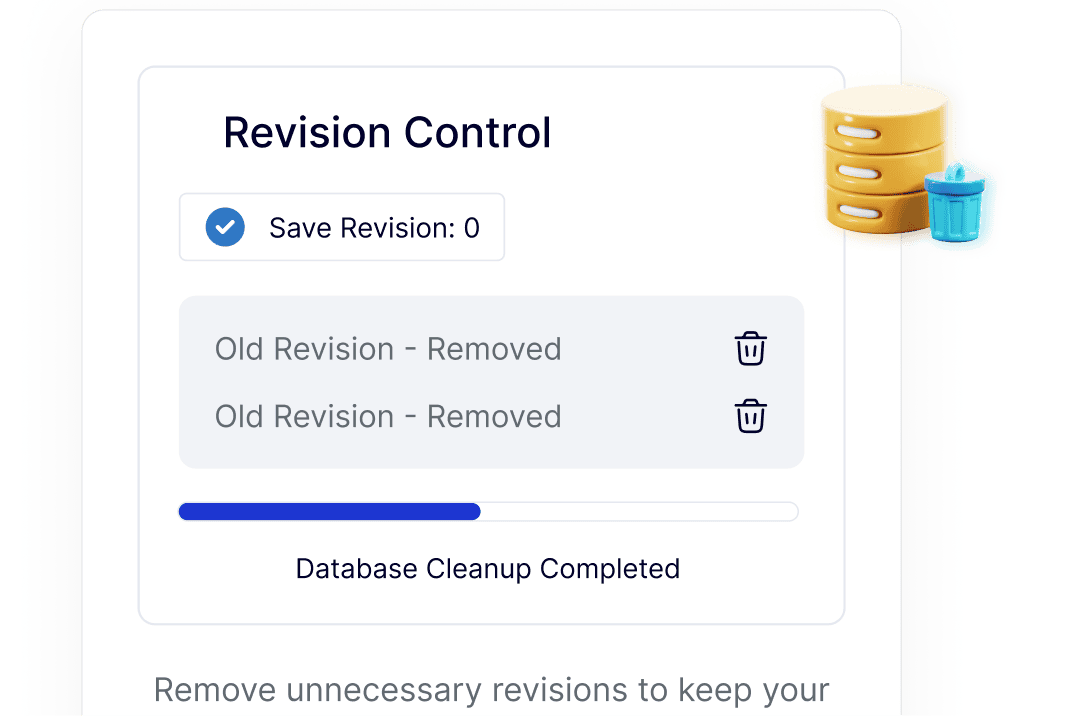
Faster Performance by Reducing Database Load
Too many revisions slow down database queries, especially on busy sites. Limiting revisions reduces database size and helps WordPress fetch content faster.
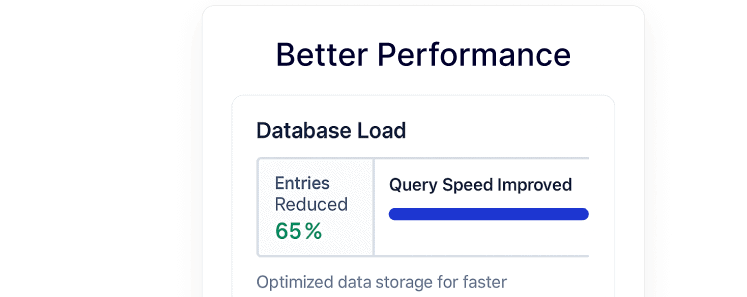
Save Hosting Space Wasted on Old Drafts
Unused revisions silently consume hosting storage over time. By removing old revisions automatically, your database stays smaller and easier to manage.

Control Revisions per Post Type without Code
Editing wp-config files or adding custom code isn’t beginner-friendly. This feature lets you set revision limits for posts, pages, or custom post types from one place.
Reliable Editing without Fear of Database Bloat
You still keep enough revisions to safely edit content, while older versions are removed automatically to prevent long-term database clutter.